Executable Scripts with Dependencies
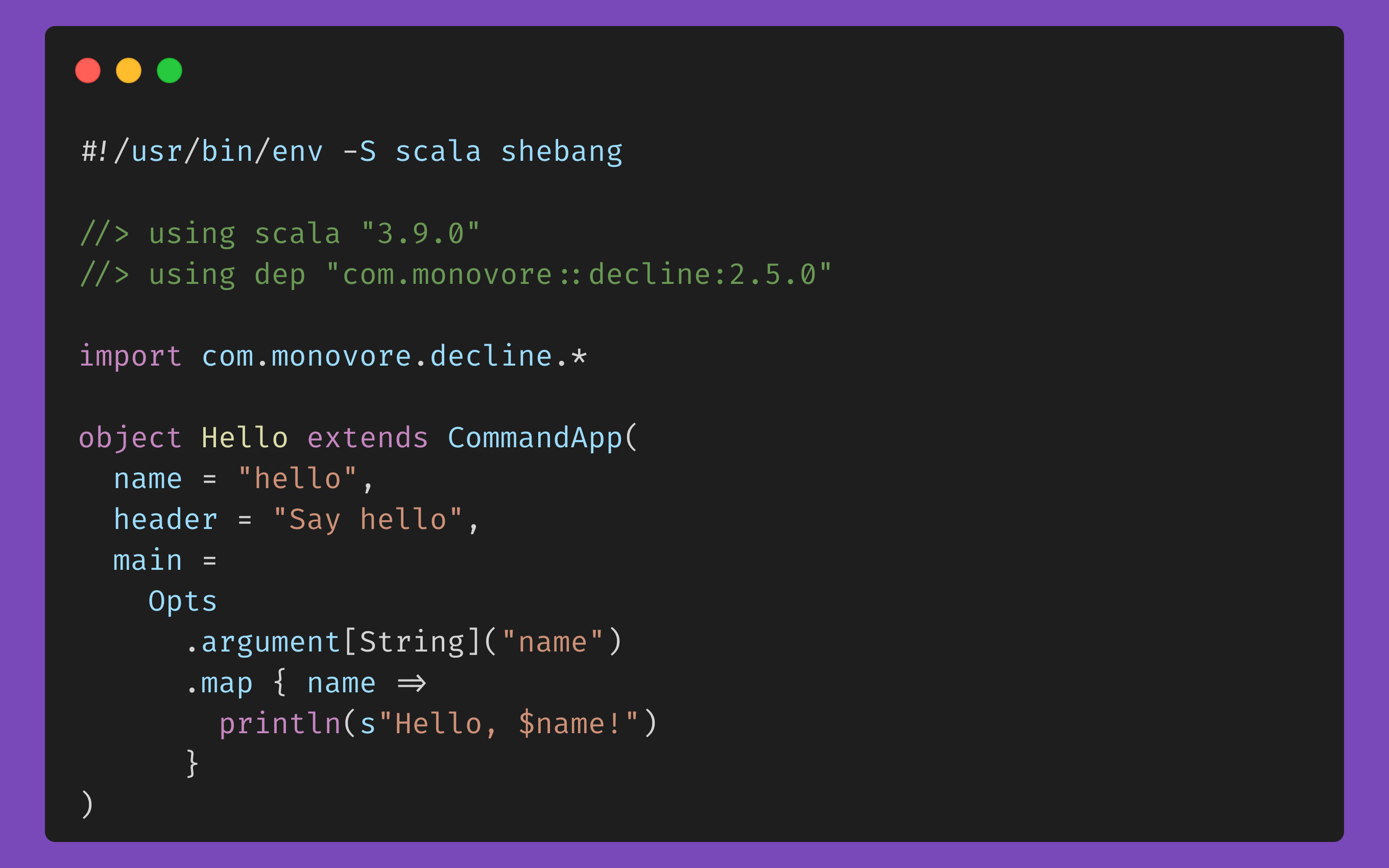
The Unix shell is great for supporting executable scripts via the shebang header, but I’ve always found scripting languages limiting, due to the inability to specify dependencies (other than the standard library). This has always been Python’s appeal with its “batteries included”, but I dislike Python, and its standard library isn’t enough either. And then, Scala CLI has spoiled me, now being my favorite way to build scripts.
So without further ado, here’s how to build executable scripts that have dependencies in some of my favorite languages…
C# #
Prerequisites #
.NET 10 SDK or newer needs to be installed, since file-based apps (running a single .cs file directly, without a project) were introduced in .NET 10.
# For Homebrew (macOS)
brew install dotnet
hello.cs #
#!/usr/bin/env -S dotnet run

#:package System.CommandLine@2.0.12

using System.CommandLine;

var nameArgument = new Argument<string>("name");
var rootCommand = new RootCommand("Say hello");
rootCommand.Add(nameArgument);

rootCommand.SetAction(parseResult =>
{
    var name = parseResult.GetValue(nameArgument);
    Console.WriteLine($"Hello, {name}!");
});

return await rootCommand.Parse(args).InvokeAsync();
Save this as hello.cs and then:
$ chmod +x ./hello.cs
$ ./hello.cs
Clojure #
Prerequisites #
Needs Babashka installed.
# With Homebrew (macOS)
brew install borkdude/brew/babashka
hello.clj #
#!/usr/bin/env bb

(require '[babashka.deps :as deps])
(deps/add-deps '{:deps {org.babashka/cli {:mvn/version "0.12.91"}}})
(require '[babashka.cli :as cli])

(defn hello [{:keys [name]}]
  (println (str "Hello, " name "!")))

(cli/dispatch
  [{:exec-fn hello
    :args->opts [:name]
    :spec {:name {:positional true :require true :desc "Name to greet"}}}]
  *command-line-args*
  {:prog "hello" :help true})
Save this as hello.clj and then:
$ chmod +x ./hello.clj
$ ./hello.clj
FSharp #
Prerequisites #
.NET Core needs to be installed.
# For Homebrew (macOS)
brew install dotnet
hello.fsx #
#!/usr/bin/env -S dotnet fsi

#r "nuget: Argu, 6.2.5"

open Argu

type Arguments =
    | [<MainCommand; ExactlyOnce>] Name of string

    interface IArgParserTemplate with
        member this.Usage =
            match this with
            | Name _ -> "Name to greet"

let parser =
    ArgumentParser.Create<Arguments>(
        programName = "hello",
        helpTextMessage = "Say hello",
        errorHandler = ProcessExiter()
    )

let argv =
    fsi.CommandLineArgs |> Array.tail

let args =
    parser.ParseCommandLine(inputs = argv)

let name =
    args.GetResult(<@ Name @>)

printfn "Hello, %s!" name
Save this as hello.fsx and then:
$ chmod +x ./hello.fsx
$ ./hello.fsx
Haskell #
Prerequisites #
Haskell needs cabal.
# With Homebrew (macOS)
brew install ghc cabal-install

# Required afterwards :-(
cabal update
Also see GHCup as alternative to Homebrew.
hello.hs #
#!/usr/bin/env cabal

{- cabal:
build-depends:
    base >= 4.18 && < 5,
    optparse-applicative == 0.19.0.0
-}

import Options.Applicative

data Options = Options
  { name :: String
  }

options :: Parser Options
options =
  Options
    <$> strArgument
      ( metavar "NAME"
     <> help "Name to greet"
      )

main :: IO ()
main = do
  opts <-
    execParser $
      info
        (options <**> helper)
        (fullDesc <> progDesc "Say hello")

  putStrLn $ "Hello, " <> name opts <> "!"
Save this as hello.hs and then:
$ chmod +x ./hello.hs
$ ./hello.hs
Java #
Prerequisites #
You need JBang installed.
# With Homebrew (macOS)
brew install jbang

# With SDKMAN! (https://sdkman.io/)
sdk install jbang
hello.java #
///usr/bin/env jbang "$0" "$@" ; exit $?
//JAVA 21+
//DEPS info.picocli:picocli:4.7.7

import picocli.CommandLine;
import picocli.CommandLine.Parameters;

class hello implements Runnable {
    @Parameters(index = "0", defaultValue = "world")
    String name;

    public static void main(String[] args) {
        System.exit(new CommandLine(new hello()).execute(args));
    }

    @Override
    public void run() {
        System.out.println("Hello, " + name + "!");
    }
}
Save that as hello.java and then:
$ chmod +x ./hello.java
$ ./hello.java
Kotlin (via JBang) #
Prerequisites #
You need JBang installed.
# With Homebrew (macOS)
brew install jbang

# With SDKMAN! (https://sdkman.io/)
sdk install jbang
hello.kt #
///usr/bin/env jbang "$0" "$@" ; exit $?
//KOTLIN 2.4.20
//DEPS com.github.ajalt.clikt:clikt-jvm:5.1.0

import com.github.ajalt.clikt.core.CliktCommand
import com.github.ajalt.clikt.core.main
import com.github.ajalt.clikt.parameters.arguments.argument

class Hello : CliktCommand() {
    private val name by argument()

    override fun run() {
        echo("Hello, $name!")
    }
}

fun main(args: Array<String>) {
    Hello().main(args)
}
Save that as hello.kt and then:
$ chmod +x ./hello.kt
$ ./hello.kt
Kotlin (via experimental scripting support) #
Kotlin has experimental support for custom scripting.
Prerequisites #
Kotlin must be installed in your path.
# With Homebrew (macOS)
brew install kotlin

# With SDKMAN! (https://sdkman.io/)
sdk install kotlin
hello.main.kts #
#!/usr/bin/env kotlin

@file:DependsOn("com.github.ajalt.clikt:clikt-jvm:5.1.0")

import com.github.ajalt.clikt.core.CliktCommand
import com.github.ajalt.clikt.core.main
import com.github.ajalt.clikt.parameters.arguments.argument

class Hello : CliktCommand() {
    private val name by argument()

    override fun run() {
        echo("Hello, $name!")
    }
}

Hello().main(args)
File needs to be saved as *.main.kts specifically, or it won’t work, so save it as hello.main.kts.
$ chmod +x ./hello.main.kts

$ ./hello.main.kts
Python #
Prerequisites #
Python needs uv installed.
# With Homebrew (macOS)
brew install uv
hello.py #
#!/usr/bin/env -S uv run --script

# /// script
# requires-python = ">=3.10"
# dependencies = [
#   "typer==0.27.2",
# ]
# ///

from typing import Annotated
import typer


def main(
    name: Annotated[str, typer.Argument(help="Name to greet")],
) -> None:
    print(f"Hello, {name}!")


if __name__ == "__main__":
    typer.run(main)
Save this as hello.py and then:
$ chmod +x ./hello.py
$ ./hello.py
Ruby #
Prerequisites #
Needs Ruby and Bundler installed (Bundler ships with Ruby by default).
# With Homebrew (macOS)
brew install ruby
hello.rb #
#!/usr/bin/env ruby

require "bundler/inline"

gemfile do
  source "https://rubygems.org"
  gem "optimist"
end

opts = Optimist.options do
  banner "Say hello"
end

name = ARGV[0]
Optimist.die "name is required" if name.nil?
puts "Hello, #{name}!"
Save this as hello.rb and then:
$ chmod +x ./hello.rb
$ ./hello.rb
Rust #
Prerequisites #
Needs cargo installed via rustup.
# With Homebrew:
brew install rustup
hello.rs #
#!/usr/bin/env -S cargo +nightly -q -Zscript

---cargo
[package]
edition = "2024"

[dependencies]
anyhow = "1"
clap = { version = "4", features = ["derive"] }
---

use anyhow::Result;
use clap::Parser;

#[derive(Parser)]
struct Args {
    name: String,
}

fn main() -> Result<()> {
    let args = Args::parse();
    println!("Hello, {}!", args.name);
    Ok(())
}
Can be saved as hello.rs and executed with:
$ chmod +x ./hello.rs
$ ./hello.rs
When first executing this script, it takes a while for Cargo to download dependencies and compile the script, but afterwards it’s instant.
Scala #
Prerequisites #
When you install the Scala runner, it actually uses Scala CLI since 3.5.0.
# With Homebrew:
brew install scala

# With SDKMAN! (https://sdkman.io/)
sdk install scala
hello.scala #
#!/usr/bin/env -S scala shebang

//> using scala "3.9.0"
//> using dep "com.monovore::decline:2.5.0"

import com.monovore.decline.*

object Hello extends CommandApp(
  name = "hello",
  header = "Say hello",
  main =
    Opts
      .argument[String]("name")
      .map { name =>
        println(s"Hello, $name!")
      }
)
Save this as hello.scala and then:
$ chmod +x ./hello.scala

$ ./hello.scala
TypeScript #
Prerequisites #
We need deno installed.
# With Homebrew (macOS)
brew install deno
hello.ts #
#!/usr/bin/env -S deno run --quiet

import { Command } from "jsr:@cliffy/command@1.2.1";

await new Command()
  .name("hello")
  .description("Say hello")
  .arguments("<name:string>")
  .action((_options, name: string) => {
    console.log(`Hello, ${name}!`);
  })
  .parse(Deno.args);
Save this as hello.ts and then:
$ chmod +x ./hello.ts
$ ./hello.ts
